มาเปลี่ยน Website ที่เปิดใน Chrome เป็น Darkmode กันเถอะ


มาเปลี่ยน Website ที่เปิดใน Chrome เป็น Darkmode กันเถอะ
เริ่มจากเราพิมพ์ chrome://flags ลงใน address bar ของ Google Chrome
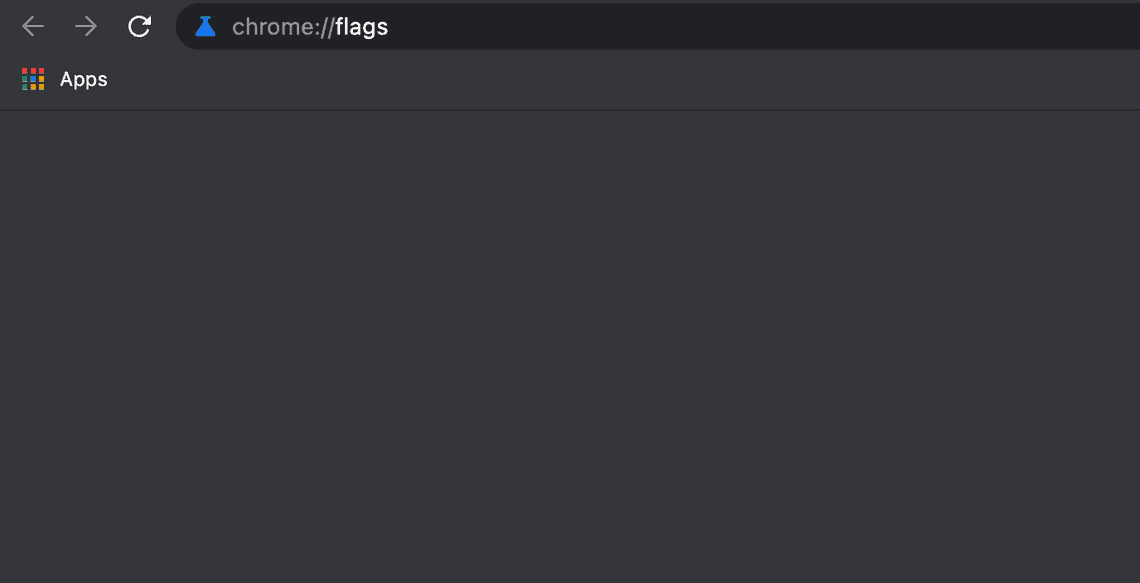
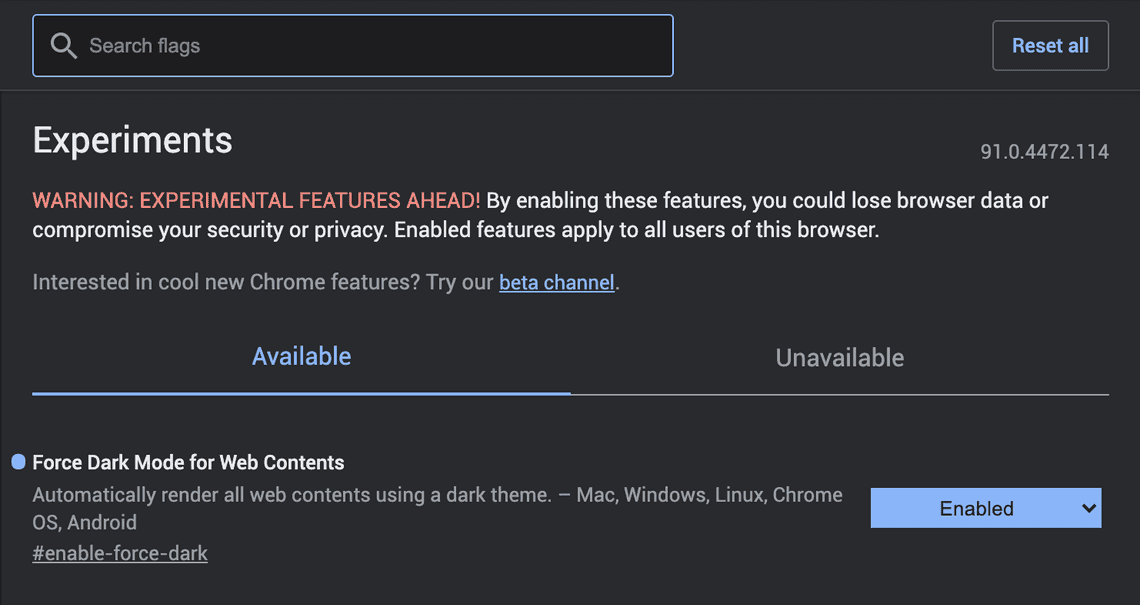
หลังจากนั้นเราจะมา set Enabled ที่
Force Dark Mode for Web Contents Automatically render all web contents using a dark theme. – Mac, Windows, Linux, Chrome OS, Android
#enable-force-dark
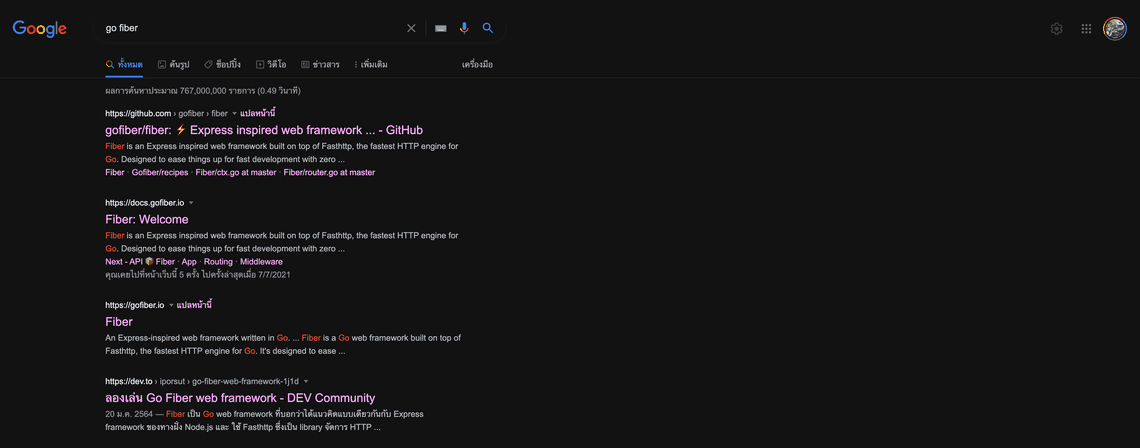
เป็นอันเรียบร้อย ทุกเว็ปที่เปิดด้วย Google Chrome เป็นสีดำทั้งหมด สบายตาเวลาทำงาน Coding
◎ Tags


Operator
Khomkrid Lerdprasert
Technical Lead — building AI-powered platforms, omni-channel chat systems, and telemedicine solutions with Go, Next.js & clean architecture. 20+ years shipping software from crypto wallets to e-learning systems. Bangkok-based. Writes code late at night, brews beer on weekends.
Metadata
Channel
Technology
Filed
July 08, 2021
Read
~1 min
Language
TH / EN
Transmit
Related
สร้างเครื่องมือแปลง PDF เป็น EPUB/AZW3 สำหรับหนังสือภาษาไทย
April 23, 2026
1 min
Burp Suite for IOS
November 09, 2023
1 min
App ที่ Web developer ควรมีไว้ใน iPad
September 01, 2022
1 min